


NiKo CS2 settings
Nikola “NiKo” Kovač (born February 16, 1997) is a Bosnian Serb CS2 Rifler and Nemanja “huNter-” Kovač’s cousin. He currently plays for Team Falcons. The player is known for ultra-fast reaction times, precise crosshair control, and high skill with the Desert Eagle. Since 2016, he has been included in HLTV’s Top 20 Players of the Year ranking. In 2017 and 2023, he was the #2 best player. He won multiple tournaments, including his first ever Major victory at the Intel Extreme Masters Cologne Major 2026.
NiKo CS2 settings Crosshair
These settings are designed for exceptional accuracy. This is possible due to its very thin outline and high contrast. This crosshair is a perfect option for players who value accurate headshot aiming.
First of all, the secret lies in the combination of Length (2), Thickness (0), and Gap (-4). These specific details create a compact crosshair. One of its advantages is that it doesn’t obscure distant targets. Also, NiKo disables Dot and sets Follow Recoil to No. It guarantees an unobstructed view that stays perfectly still while shooting and moving.
No less important is the color of the crosshair. It features a sea-green blend (RGB: 0, 255, 145). In combination with Alpha Value 255, it provides contrast. Moreover, such a color allows the player to have a highly visible crosshair against any background, including dark corners, wooden surfaces, and map environments.
CSGO-HurWU-QvLHO-uJUkC-9DUU8-euzQN
NiKo CS2 settings Mouse
NiKo uses a low sensitivity. His 800 DPI, combined with a 0.9 sensitivity, results in 720 eDPI. Such a low eDPI gives the player a window for error when micro-adjusting long-range shots. In other words, crosshair placement and spray control are steady and forgiving. Also, NiKo chooses 2000Hz, which cuts input latency for smoother sensor reporting.
NiKo CS2 settings Viewmodel
These viewmodel settings provide a centered and compact weapon layout. It features the most efficient use of screen space and minimizes visual distractions during duels. By using FOV as 68 in combination with Offset X as 2, the player moves the weapon model to the right edge of the screen. It opens the main field of view, making it distraction-free during the game. Also, Offset Z (-1.5) moves the weapon further down toward the bottom edge. In the end, disabling Bob (False) keeps the weapon model completely still, which also adds clear visuals for the crosshair.
viewmodel_fov 68; viewmodel_offset_x 2; viewmodel_offset_y 0; viewmodel_offset_z -1.5; viewmodel_presetpos 2.
NiKo CS2 settings Video settings
NiKo prefers settings with maximum frame stability and minimal input latency for competitive rifling. For example, he uses 1280x960 stretched (4:3). It expands player models horizontally, making targets visually larger and easier to hit. At the same time, such a combination of resolution and aspect ratio reduces rendering overhead. Also, to prevent extreme frame fluctuations, NiKo caps Maximum FPS at 400. It allows him to avoid unnecessary system strain or thermal throttling.
Disabling V-Sync and G-Sync is also important. This ensures responsive, unbuffered mouse input. Global Shadow Quality (High) also keeps shadows of player models around corners. The combo of 8x MSAA and Trilinear Filtering smooths out jagged edges without sacrificing performance. In the end, NiKo sets the quality of Shaders, Particles, and Textures to low. It keeps FPS high even during multiple utility use.
NiKo CS2 settings Launch options
Launch options are part of settings you can set in Steam. Players use them for different goals, such as forcing the system to run at a specific frame cap or simply skipping the short Valve video clip that plays when CS:GO launches. Still, most of them became useless with the release of CS2. It includes launch options like -tickrate 128, -novid, -limitvsconst, and -d3d9ex.
NiKo is the pro player who doesn’t use any Launch Options.
NiKo CS2 settings Skins
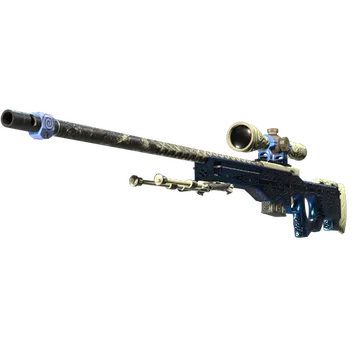
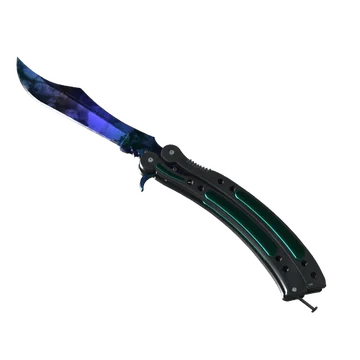
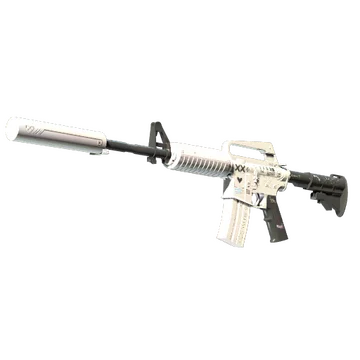
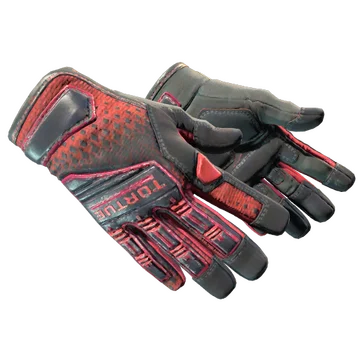
This loadout includes several iconic skins, allowing for different combinations. Of course, the most noticeable one is the knife glove combo. Both coveted, Butterfly Knife | Doppler Ruby and Specialist Gloves | Crimson Kimono feature premium pricing and an elite red coloration.
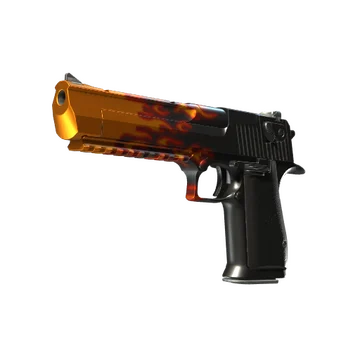
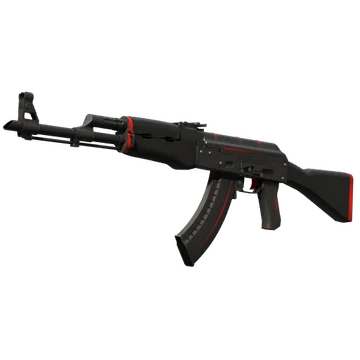
To make it even more outstanding, NiKo combines them with Desert Eagle | Blaze and AK-47 | Redline. It creates an aggressive loadout for the T-side play, which is perfectly suited to the player’s Entry role.
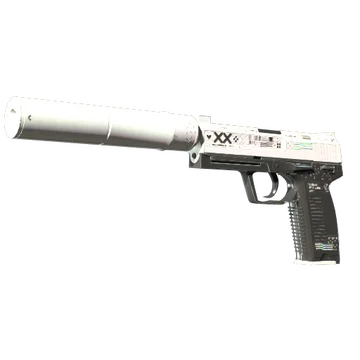
On the CT side, NiKo prefers a white-and-black classic. He uses M4A1-S | Printstream and USP-S | Printstream. Both skins offer a clean, futuristic contrast that balances the aggressive red themes. It is also worth mentioning that both weapons feature silencers, which are quite useful for the defensive side, as they give attackers less information about your location.
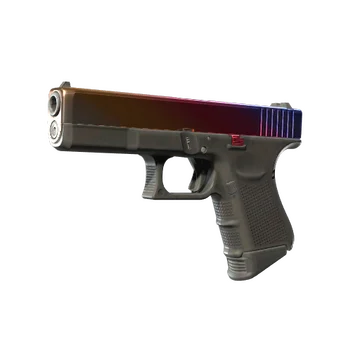
Another classic option is Glock-18 | Fade. This skin combines an aggressive and clean finish, creating a bridge between the knife glove combo and the Printstream classic. On top of that loadout is legendary AWP | Gungnir. Released in 2019, it combines the Scandinavian aesthetic of Dragon Lore with blue and white accents, creating a completely new yet no less notable design.
NiKo CS2 settings Stickers
NiKo is one of the pros whose stickers with his autographs can offer a premium price. The most valuable among them is NiKo (Gold) | Krakow 2017. It commemorates the player's participation in the PGL Major Kraków 2017 with FaZe Clan (15th-16th place). Currently, the sticker’s price begins from $2,076.
Another valuable sticker is NiKo (Gold) | Boston 2018. FaZe Clan showed better results at the ELEAGUE Major Boston 2018 and even secured a solid second place, losing to Cloud9. Nowadays, the minimum price for this sticker is $1,299.
The next sticker we should mention is NiKo (Gold) | London 2018, whose current price starts at $741. It commemorates the participation of the player and FaZe Clan at the FACEIT Major: London 2018 (5th-8th place).
Still, we cannot ignore one of the latest sticker autographs: NiKo (Gold, Champion) | Cologne 2026. While it costs less than $100, it commemorates NiKo and Team Falcons' victory at the Intel Extreme Masters Cologne Major 2026. In that tournament, the roster secured multiple matches against G2, Monte, NaVi, Vitality, and Spirit. Moreover, this is the first-ever Major victory for NiKo.
NiKo BIO
NiKo BIO
Nikola “NiKo” Kovač is one of the most skilled riflers in the history of Counter-Strike. Currently playing as an Entry for Team Falcons, the player began playing the earlier Counter-Strike games with his cousin Nemanja (huNter-) at an internet cafe his parents owned. In 2011, NiKo began his professional career as a part of the team FullProof. With the CS:GO release, he joined iNation.
For the next few years, NiKo consistently performed at a high level, and in March 2015 he joined mousesports. Due to his skills and highlights, the team was sometimes dubbed “Nikosports.” One of them is his Desert Eagle ace on Cache in the match against Titan at the ESL ESEA Pro League Season 2.
In 2017, NiKo joined FaZe Clan, where he played with Olof “olofmeister” Kajbjer Gustafsson and Ladislav “GuardiaN” Kovács. Together, they led the team to victories at the ESL One: New York 2017 and ELEAGUE CS:GO Premier 2017. He was also ranked #2 in the year-end HLTV top 20.
In 2020, he joined G2 Esports and reunited with his cousin huNter-. NiKo led the team to the Grand Finals of the PGL Major Stockholm 2021, yet they lost to NaVi. Still, he was ranked #3 in the HLTV top 20, behind ZywOo and S1mple.
Starting from early 2025, NiKo plays for Team Falcons. Here, he reunited with m0NESY. While the team consistently delivered strong results, they secured a victory only at PGL Bucharest 2025. After karrigan joined Falcons in March 2026, they secured second-place finishes at the PGL Astana 2026 and CS Asia Championships 2026, and then won their first Major at the Intel Extreme Masters Cologne Major 2026.
