


dekoCS2 Settings
Denis “deko” Zhukov (born July 10, 2001) is a Russian CS2 AWPer. He currently plays for WW Team. He is known for his aggressive playstyle, his clutch plays and his incredible AWP sharpshooting. deko rose to international fame with Aurora Gaming and winning events such as the Skyesports Masters 2024. He is also known for his relaxed behavior during the game.
dekoCS2 Settings Crosshair
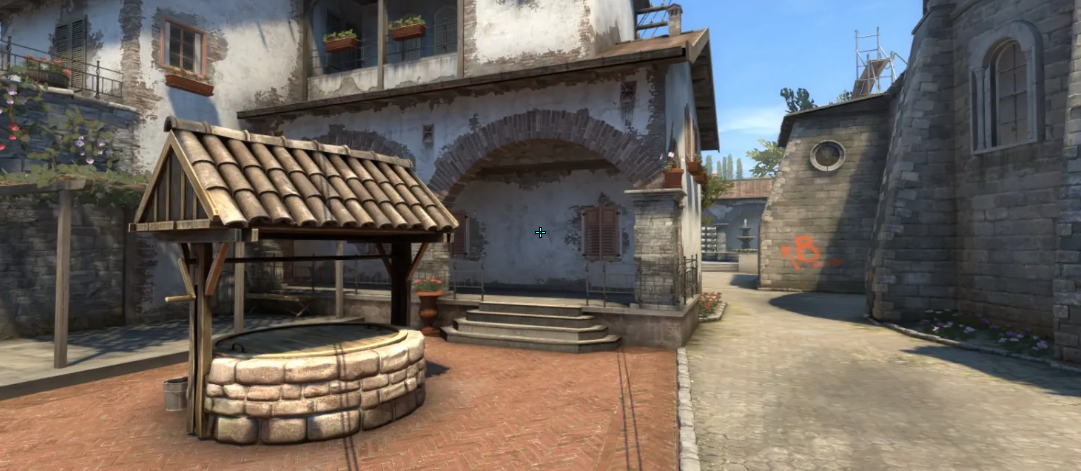
These settings create a tiny and especially thin crosshair. The core detail is the combination of Length (1), Thickness (0.1), and Gap (-2.8). It allows deko to create a crosshair that doesn’t distract him during the game. The player also chooses the Classic Static style. In other words, the lines don’t move while you are moving or shooting. He also removes the center dot and turns off the Follow Recoil feature. It makes the center of the crosshair clean and completely still.
Another detail is its color. deko makes it custom, setting RGB to 101, 255, and 255. As a consequence, the crosshair is bright cyan. Combined with an Alpha Value of 255, it stays highly visible against any background on maps like Nuke, Inferno, or Anubis.
CSGO-yLGHi-yQfux-8eQyn-xOWnS-nCHnK
dekoCS2 Settings Mouse
deko uses a medium-high sensitivity. His 400 DPI, combined with a 2.3 sensitivity, results in 920 eDPI. It allows the player to make fast flicks, multi-angle clearing with quick 180-degree turns, and high-frequency sensor tracking. No less important, deko can do it with minimal arm movement and still have enough control for steady rifle spray adjustments. As an AWPer, deko sets his Zoom Sensitivity to 1.15, which makes his scoped mouse speed slightly faster than the base sensitivity. It gives each sniper shot an extra speed boost.
dekoCS2 Settings Viewmodel
These viewmodel settings create a wide-angle perspective. deko plays with FOV 68. He combines it with Offset X (2.5), Offset Y (0), and Offset Z (-1.5). As a consequence, it moves the weapon model farther from the player’s perspective, pushing it to the right and down. With these settings, the player clears the center of the screen, keeping each target completely unobstructed.
viewmodel_fov 68; viewmodel_offset_x 2.5; viewmodel_offset_y 0; viewmodel_offset_z -1.5; viewmodel_presetpos 1.
dekoCS2 Settings Video settings
deko prefers to play at 1600x1024 resolution with a 16:10 aspect ratio. While it stretches the player model horizontally and makes targets visually wider, it also has an advantage over the more traditional 4:3 aspect ratio. This is because 16:10 gives the player more peripheral vision, along with significantly sharper image fidelity.
The player sets Brightness to 88%, which is slightly darker than most pros prefer. However, with Boost Player Contrast enabled, opponents are easy to spot against textures and dark backgrounds. deko turns off V-Sync and G-Sync to eliminate artificial frame caps and display buffer lag. He caps Maximum FPS at 600 and turns on NVIDIA Reflex Low Latency to decrease system latency.
One more thing to note is that deko uses 4x MSAA. It smooths out jagged edges. Finally, he sets Model/Texture, Shader and Particle details to Low to remove non-essential visual clutter.
dekoCS2 Settings Launch options
Launch options are the specific commands in Steam. These commands tell Steam how to launch CS2. For example, with -console, the game runs the developer console every time you launch it. Another example is +fps_max 500, which caps the maximum frame rate. Launch options strongly rely on the CPU and GPU. In other words, they won’t change a low-end PC to a high-end system.
deko is the player who doesn’t use launch options.
dekoCS2 Settings Skins
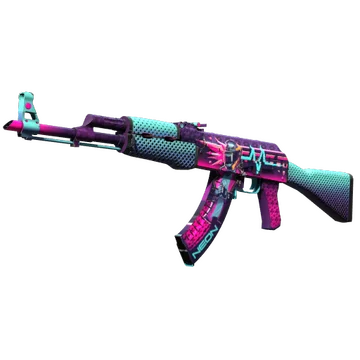
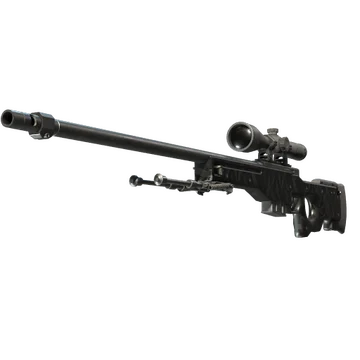
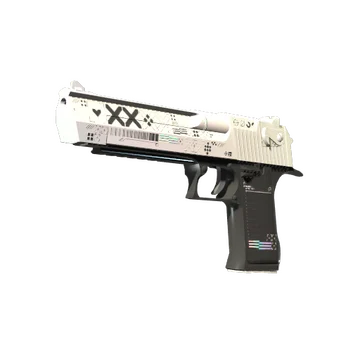
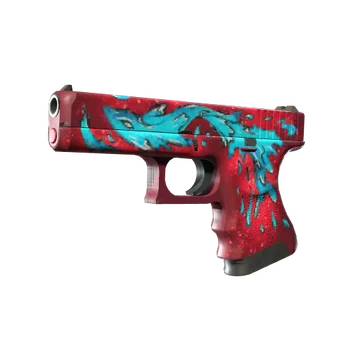
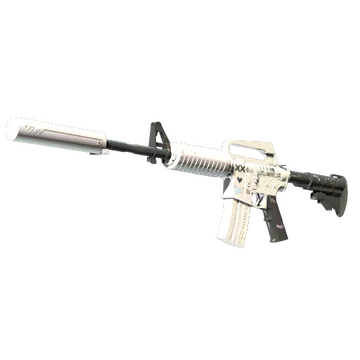
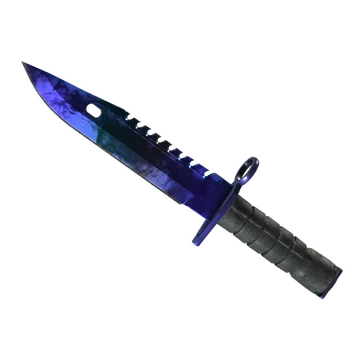
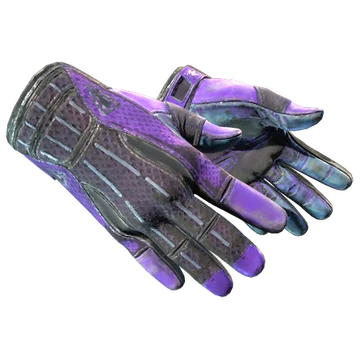
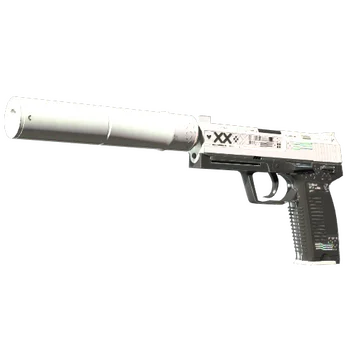
This loadout combines monochromatic designs with thematic artwork. On top of that is the knife glove combo. deko plays with M9 Bayonet | Doppler Sapphire and Sport Gloves | Pandora’s Box. Both items are iconic and feature blue and purple accents.
Other colorful finishes are AK-47 | Neon Rider and Glock-18 | Water Elemental. The rifle offers a cyberpunk art style with vibrant pink and purple. The pistol features a vibrant blue creature painted over a red background.
Still, four skins in the player’s loadout stand apart, using fewer colors yet creating an eye-catching combination. First, it’s AWP | Graphite. One of the game's oldest finishes, this AWP offers a classic, dark metallic geometric grid pattern. The other three weapons feature a well-known and noticeable modern black-and-white design: Desert Eagle | Printstream, M4A1-S | Printstream, and USP-S | Printstream.
deko BIO
deko BIO
Denis “deko” Zhukov began his career in 2017. In his early years, deko played for teams such as Overdrive, O mae wa mou shindeiru, AOAO, Quantor Bellator Fire, and EXTREMUM. In late 2020, the player joined 1win. With the new team, he performed strongly in various qualifiers. He also led the roster to wins at tournaments like ESEA Cash Cup: Europe - Winter 2020 #3, ESEA Season 36: Open Division - Europe, IESF World Championship 2021: Russia, and FACEIT Pro League Challenger - Europe: November 2021.
In late 2023, deko joined Aurora Gaming. While the first events weren’t successful, the team finished 2nd at the CCT Season 1 Online Finals #, and won Skyesports Grand Slam 2024 and Skyesports Masters 2024. After several defeats on the pro scene, Aurora Gaming announced roster changes in November 2024. deko left the active roster and took a break from his career. He continued to play in various tournaments for different teams, like EGOISTO. Currently, he is a part of WW Team, which won CIS LAN Championship #6.
