
How to Fly in CS2
 riley-st-john
Mastering any map in Counter-Strike requires tons of knowledge. Players should learn each corner, smoke, and strategy to ensure victory. Undoubtedly, every user has their own perfect way to learn, like playing on the specific map as much as possible. It might still have a sense, though it highly relies on personal luck. Today, we want to explore a more peaceful option that allows all players to see every detail, including backgrounds. Follow our guide to know how to fly in CS2 and to use it in an advanced way!
In article you will find:
What is the Noclip Command?
As we mentioned earlier, our variant involves flying in CS2. It might sound ridiculous, especially in a shooter like this. Still, though, it’s more than possible, although with certain limits. That said, players cannot fly across the map in official online matches. The exception is if the reason is a grenade. At the same time, any user can use this ability to research maps on custom and offline servers.

Continuing the topic, the secret lies in the developer console. In other words, players who are looking for how to fly in CS2 in practice need only one command: noclip. The very use of it allows anyone to ignore physical barriers, including walls or floors, alongside the law of gravity. As a result, using the CS2 fly command allows you to explore the map from a bird’s-eye view.
How to Enable Flying
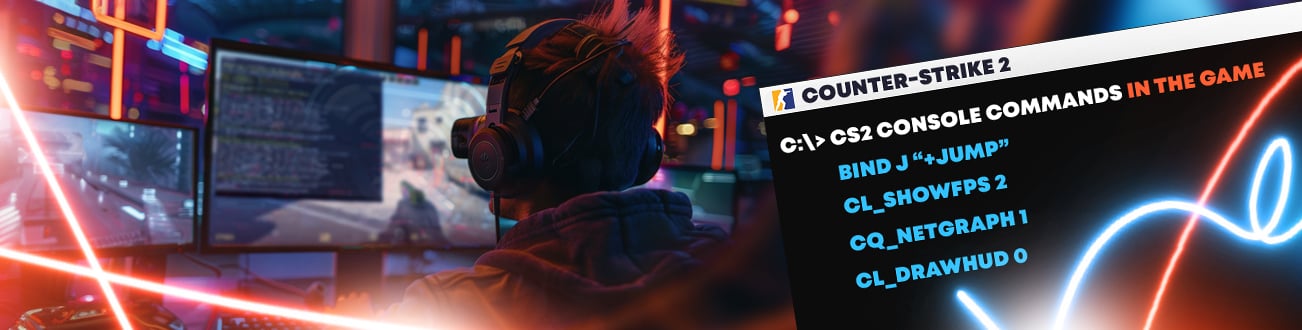
Actually, we still don’t know how to use noclip in CS2, right? But no worries, since the solution is quite simple. First, players need to open the game and press the tilde (~) key, which is responsible for opening and closing the developer console. If the console doesn’t open, users should enable it in the game settings. It is located in the Game tab of CS2 settings.
Now, players need to choose Play, Practice, Casual, and the map they want to explore. Before the round begins, users should open the developer console and use the following command:
- sv_cheats 1
As the name suggests, this command allows you to use cheats on the server. Without the mentioned command, users cannot use the CS2 noclip command. As soon as cheats are allowed, tap noclip and press Enter. Within a second, you can fly around without an issue.
Controls While Flying
We already know the CS2 fly command, but it’s always better to have instructions. For a movement, players can use the standard keys, which are W, A, S, and D. These keys might be different if you use more specific configurations, such as mezii (Spacebar as Back, D as Right, S as Left).
The other part of standard movement includes using the spacebar to ascend and the crouch key (or Ctrl) to descend. Additionally, you can direct your movements by using a mouse: look up and press W to ascend, or look down and press W to descend. Furthermore, you can use the mouse to move in a diagonal trajectory.
Why Use Flight Commands?
Players have different reasons to use flight commands. As we mentioned, one of the most popular points is map exploration. Here, we can easily add practice grenade or smoke throws, which are crucial in a competitive game.
Also, noclip is a must-have command for content creators. By flying, users can easily get the right angle and show more than they usually see as a player. For example, it’s a nice option to show multiple callouts at once.
Lastly, a fly command is a gem for custom map creators. It allows users to easily test and upgrade their projects.
Advanced Uses of Noclip
Continuing from the previous part, using the noclip command is a great solution for creators of educational content. With flying, users can create a perfect guide, with each detail highlighted.
Another advanced use of the fly command is analyzing strategies on recorded matches. While you see everything from a bird’s-eye view, you can check different scenarios of the match in practice.
Tips for Noclip Usage
The best way to improve your movements while using noclip is to train on custom maps designed for flying. Also, remember to adjust the mouse sensitivity. It will help to get smoother camera movements without sudden jumps. It’s especially important for the mentioned content creators because the video will look more professional and understandable.
Also, remember that you can explore typically inaccessible map areas while flying. Noclip allows players to see everything from a new angle, which is useful to learn the layout or strategies. Moreover, you can combine it with other commands. For example, use sv_showimpacts 1 for bullet visualization.
To Sum Up
Now, you know how to fly in CS2 and to take full advantage of it. Learning strategies, exploring areas and angles, or creating content. Everything is possible with only one console command. It’s a great opportunity for all players to master any map and significantly improve their skills. Still, it’s better to remember to use noclip only in non-competitive matches to avoid any penalties.
As always, you can explore more tips and tricks on Hellcase Blog. We regularly share new guides, esports news, and lists of the best skins. Explore and play CS2 together with Hellcase!

Average CS enjoyer. Knows everything about CS skins, including which ones will suit your weapons best.